
A Complete Guide to Syncing Your Manual Trades, Staying 100% Compliant, and Scaling Funded Accounts

If you’ve gotten the hang of CFDs, single-stock scalping, or day trading and feel confident in your skills, I highly recommend diving into Prop Trading. ( You can see what is Prop Trading in here! )
Let’s be honest, trading with a small account makes you impatient. We’ve all seen people blow their accounts in an instant by over-leveraging or revenge trading, trying to turn a tiny stash into life-changing money. Instead of taking those reckless gambles, knocking on the doors of prop firms—where you can manage six-figure capital just by proving your skills—is a much more realistic and smarter choice. The smaller your capital, the more you need to minimize risk and maximize opportunity.
But here’s the dilemma everyone faces: “Wait, I have to manage my personal account AND pass the prop firm challenge… Am I supposed to have two or three screens open and manually execute trades on all of them? My hands will get tied up, and my brain will fry. How can I do both?”
Exactly. You only have two hands, so how are you supposed to enter and exit with sniper precision on multiple platforms at the exact same time? The cheat code for this is ‘Copy Trading.’
Usually, when people hear “copy trading,” they think of blindly following some anonymous “high-yield” trader on a random platform. But if you’ve been in the trading game for a while, you know the truth. It’s incredibly common to trust someone else’s flashy ROI, hand over your money, and end up with a blown account. Why put your money in someone else’s hands?
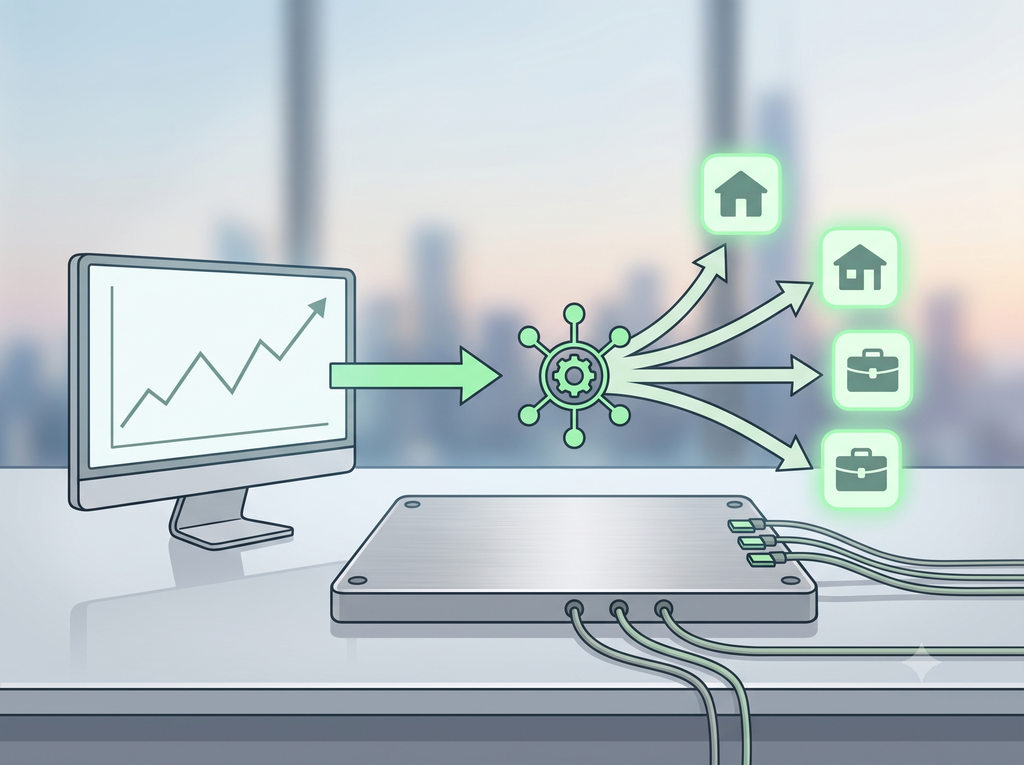
If you have the skills to generate profits manually, don’t copy others. Just copy your own manual trades directly to your prop firm accounts (signal synchronization).
All you do is focus entirely on your main account, find your edge, and execute your trade just like you always do. The copy trader program will instantly fire the exact same order to your prop firm accounts in less than 0.1 seconds. You keep the intense focus and edge of manual trading while managing multiple accounts effortlessly.
Don’t trust others. Trust your own skilled fingers and leverage the system. That is the smartest way to scale up a small account.

[Tip] Prop Firm Copy Trading Rules & Survival Guide
- Allowed vs. Banned: The Core is ‘Name Match’ and ‘Originality’
- Allowed (Legit): Syncing signals from a Master Account under YOUR name (e.g., personal broker) ➔ a Prop Firm Account under YOUR name.
- Banned (Instant Ban): Linking accounts with someone else’s name (account management services), using Telegram signal rooms, or running commercial EAs (auto-trading bots) straight out of the box.
- Major Prop Firm Rules Fact Check
- FTMO (The King of Forex/CFD): Copying between your own accounts is fully allowed.
- It’s completely compliant with their rules. However, upon your first payout, the risk team might ask for “Video Proof” to verify that the trades are truly yours by matching the Master Account’s KYC (name) and trade history.
- Setup Tip: Make sure to delete default order comments like “Copied by…” in your copy program (EA/cBot) settings and leave them blank to avoid unnecessary flagging by their automated systems.
- Apex Trader Funding (The King of Futures): Actively Encouraged.
- Their core business model actually promotes trading up to 20 accounts simultaneously per person.
- They officially support and encourage the use of NinjaTrader copy bots (like Replikanto) or Quantower’s built-in copy features. They have absolutely zero issues with you sending signals from an external account.
- FTMO (The King of Forex/CFD): Copying between your own accounts is fully allowed.
[Practical Guide] How to Set Up Copy Trading on Your Accounts Right Now
“So, what software should I use?” Here are the most proven, universally used tools for each platform:
- MetaTrader (MT4/MT5): Go with the global standard free tool, ‘FX Blue Local Trade Copier.’ Even though it’s free, the execution speed is insane, and it offers perfect advanced settings (lot size multipliers, hiding comments, etc.).
- cTrader (Forex/CFD): The hottest and most intuitive platform in the prop firm scene right now. For cTrader, I highly recommend using a dedicated Local Trade Copier cBot from places like ‘ClickAlgo.’ It copies signals much faster and lighter than MT4. Once you try it, you won’t go back.
- NinjaTrader (Futures): If you’re doing Apex challenges, ‘Replikanto’ is the absolute truth. It’s paid software, but its performance is mind-blowing—it fires trades to up to 20 accounts simultaneously with zero delay on a single click.
- Essential Tip (Use a VPS): What happens if your home internet disconnects while trading on Wi-Fi? You could experience a total disaster where a trade closes on your main account but stays open on your prop account, blowing your challenge. If you’re going to copy trade, you must spend $10-$20 a month to rent an overseas VPS (Virtual Private Server) located near your broker’s servers to run it 24/7 without interruption. Don’t blow a six-figure funding opportunity just to save a few bucks on setup.
So, how do you set up all this complicated-looking stuff? Don’t worry. In the next post, without any fluff, I’ll give you a complete A-to-Z tutorial on exactly how to seamlessly copy your personal CFD trades to your FTMO prop account using cTrader. I’ll spoon-feed you everything from the basic setup to pro tips, so stay tuned for the next post!